Automated Trading Bootcamp

10-Day Course Outline

Data, risk, infrastructure, automation and scale on the Craft Trading Operating System.

Course objective

What you will be able to do after 10 days.

By the end of the bootcamp, you will understand how an automated trading system works, how to evaluate performance from trade data, how to size and manage risk, how to operate the Craft Trading Operating System, how prop and cash capital differ, and how to build a practical plan for operating and scaling accounts.

Core framework

Every day of the bootcamp builds on one or more of these five pillars.

Data

Measure performance before making decisions.

Risk

Understand drawdown, position sizing, exposure and system-related risk.

Infrastructure

Build a reliable environment for automated execution.

Automation

Connect strategy signals to trading accounts using Craft Trading tools.

Scale

Grow through predefined account and capital structures, not random size increases.

Day by day

10 days. Three phases. One running operation.

Phase 1

Foundations

Days 1–5 · Data, risk and mindset
Day01

Automated Trading Fundamentals

Automation
  • How automated trading works, and where it differs from trading by hand
  • Futures essentials: contracts, going long or short, points and ticks
  • Trading NQ/MNQ and GC/MGC: contract size, tick value and when to use micros
  • Setting Take Profit (TP) and Stop Loss (SL), plus trading sessions and cutoff times
  • Follow one trade end to end: market condition → signal → execution → exit → P&L
  • What automation removes (manual decisions) and what it doesn't (market risk)

Day02

Data-Driven Trading Decisions

Data
  • Judge a strategy by its trade history, not by its last trade
  • Read the key numbers: win rate, net P&L, profit factor, average win/loss and trade count
  • Measure the downside: maximum drawdown and longest losing streak
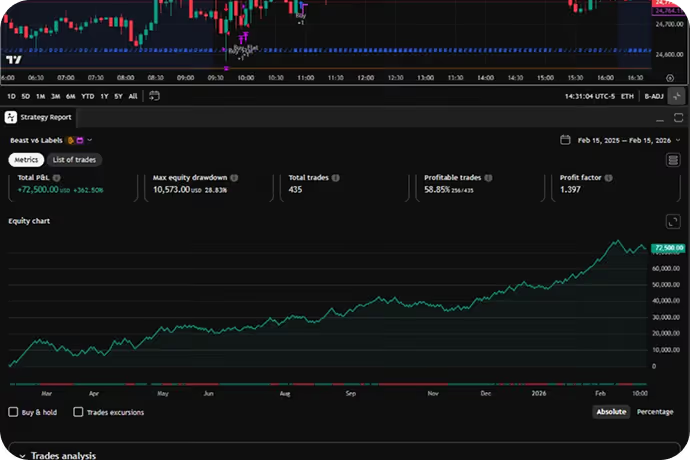
  • Read monthly results and the equity curve to see how a system really behaves
  • Know how many trades you need before the results mean anything
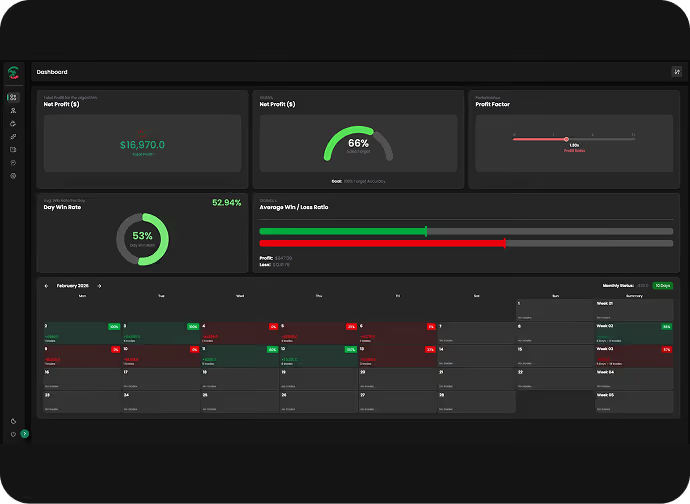
  • Analyze system performance hands-on in the Craft Trading Dashboard
  • Tell normal short-term noise apart from a real change in performance
Day03

Risk, Drawdown & Position Sizing

Risk
  • Choose position size and contracts (micro vs. mini) for your account
  • Find your usable drawdown and build a safety buffer into it
  • See how adding contracts scales both potential profit and potential loss
  • Separate the three risks: market, sizing and system/technology
  • Plan for losing streaks before they happen, so they don't catch you off guard
  • Size against the risk you can actually absorb, not the advertised account balance
  • Build low, medium and higher-risk sizing plans you can switch between
Day04

Psychology of Automated Trading

RiskMindset
  • The discipline automation demands: letting the system run
  • Expect drawdowns and losing streaks as a normal part of any system
  • Recognize recency bias: judging a system by its last few trades
  • Avoid the two sizing traps: sizing up after wins, cutting back or stopping after losses
  • Stop chasing performance and switching strategies too often
  • Keep your hands off: no manual overrides or revenge trades
  • Use Dashboard bars and equity curves to see drawdown and recovery in context
Day05

System Performance & Expectations

DataMindset
  • Think in probabilities, not certainties
  • Why a high historical win rate can't promise the next trade
  • What winning streaks, losing streaks and outcome distributions look like in practice
  • Tell normal drawdown apart from a system that is behaving abnormally
  • Diagnose missing trades: no signal (expected) vs. a signal that failed to execute
  • Why live results differ from backtests: slippage, latency and fills
  • Use a simple checklist to decide when to investigate a system, and when to leave it alone
Phase 2

Systems live

Day 6 · Infrastructure and automation
Day06

Craft Trading Tools & High Availability

InfrastructureAutomation
  • Craft Trading Dashboard: analyze, compare, size and monitor your strategies
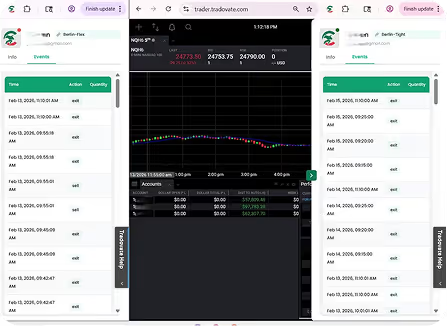
  • CraftSync Ninja Add-On: set up routes, connect accounts, copy trades and test in SIM
  • CraftSync Chrome Extension: manage connections, schedules and automatic refresh, reconnect and disconnect
  • Map the full automation path from strategy signal to account execution
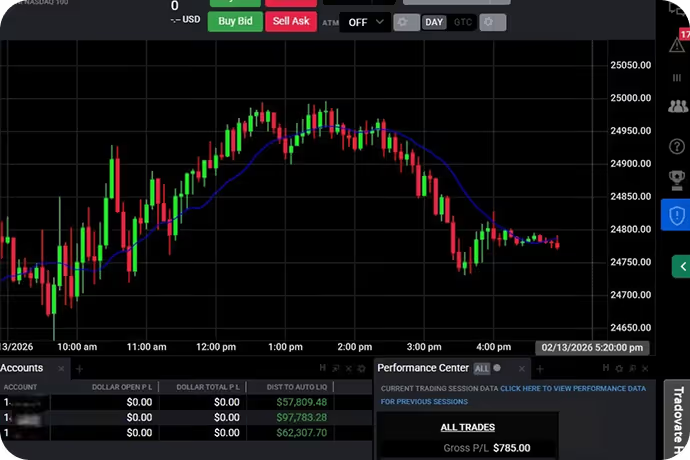
  • Choose where to run: VPS or local computer
  • Identify every dependency: internet, data feed, platform, broker and services
  • Keep it running: high availability, monitoring and basic recovery plans
Phase 3

Scale & operate

Days 7–10 · Capital, scaling and daily operations
Day07

Capital Models: Prop vs. Cash + ROI

ScaleRisk
  • How prop firm accounts differ from trading your own cash account
  • Advertised account size vs. the capital you actually put in
  • Why usable drawdown is the real limit on a prop account
  • Prop firm stages: evaluation, funded accounts, firm rules and payouts
  • Cash accounts: your own capital, direct gains and losses, broker limits
  • Calculate ROI: Net Profit ÷ Capital Invested × 100
  • Measure prop cash-on-cash ROI and strategy return separately
  • Use capital efficiently without mistaking high ROI for low risk
Day08

Account Scaling & Capital Allocation

Scale
  • Vertical scaling: add size or capital within one account
  • Horizontal scaling: expand across multiple accounts
  • Stacking: run the same predefined strategy structure across accounts
  • Splitting: spread exposure across groups of accounts
  • Rotation: move between accounts and strategies using set rules
  • Track total exposure across every account you run
  • Scale when your risk capacity allows it, not after a winning streak
Day09

Daily Operations & Failure Management

Infrastructure
  • Run a pre-market health checklist every trading day
  • Confirm your VPS/computer, platform, data feed, CraftSync, broker connections and alerts are working
  • Plan around the calendar: no-trade days, contract rollover and cutoff times
  • Monitor your automation without interfering with it
  • Check open positions during the day and verify everything at the end of the day
  • Prepare for failures: missed alerts, data disconnects, platform issues and execution problems
  • Handle incidents step by step: Detect → Protect → Diagnose → Recover → Document
Day10

Build Your Automated Trading Operation

All five pillars
  • Choose your capital model: prop, cash or both
  • Define your strategy and account structure
  • Write your risk and position-sizing plan
  • Pick your infrastructure: local machine or VPS
  • Set up your execution path: Ninja Add-On or Chrome Extension
  • Set your account scaling rules
  • Write your daily operating and emergency procedures
  • Run the full workflow end to end in SIM
  • Complete your personal Automated Trading Operating Blueprint
You leave with your own Automated Trading Operating Blueprint: capital model, risk plan, infrastructure, execution path, scaling rules and daily procedures.
The Craft Trading Operating System

Tools covered in the bootcamp.

Three tools, one operating system: analyze, connect and automate.

Days 2, 4, 6

Craft Trading Dashboard

Trade-data analysis, historical performance, drawdown, monthly results and risk-based decision support.

Days 6, 9, 10

CraftSync Ninja Add-On

NinjaTrader-based routing, account connections, trade copying, controls, monitoring and SIM testing.

Days 6, 9, 10

CraftSync Chrome Extension

Browser-based automated execution, connection management, scheduled refresh/reconnect and scheduled disconnect.

Course takeaway

The goal is not to predict every market move. The goal is to build a repeatable process for using data, controlling risk, operating reliable automation, responding correctly to system issues and scaling capital with discipline.

See cohort details and FAQ →

Educational content only, not financial advice. Futures and leveraged trading involve substantial risk of loss. Historical, backtested or simulated results do not guarantee future performance.